When I press in Drafst cmd-L “Toggle Link mode” is executed. However the “Edit” menu says this shortcut is assigned to the “Find in Draft List” menu item.
So what’s going on here? – And how can I get cmd-L back to focus on the “Search Drafts” field?
Many thanks for your help in advance.
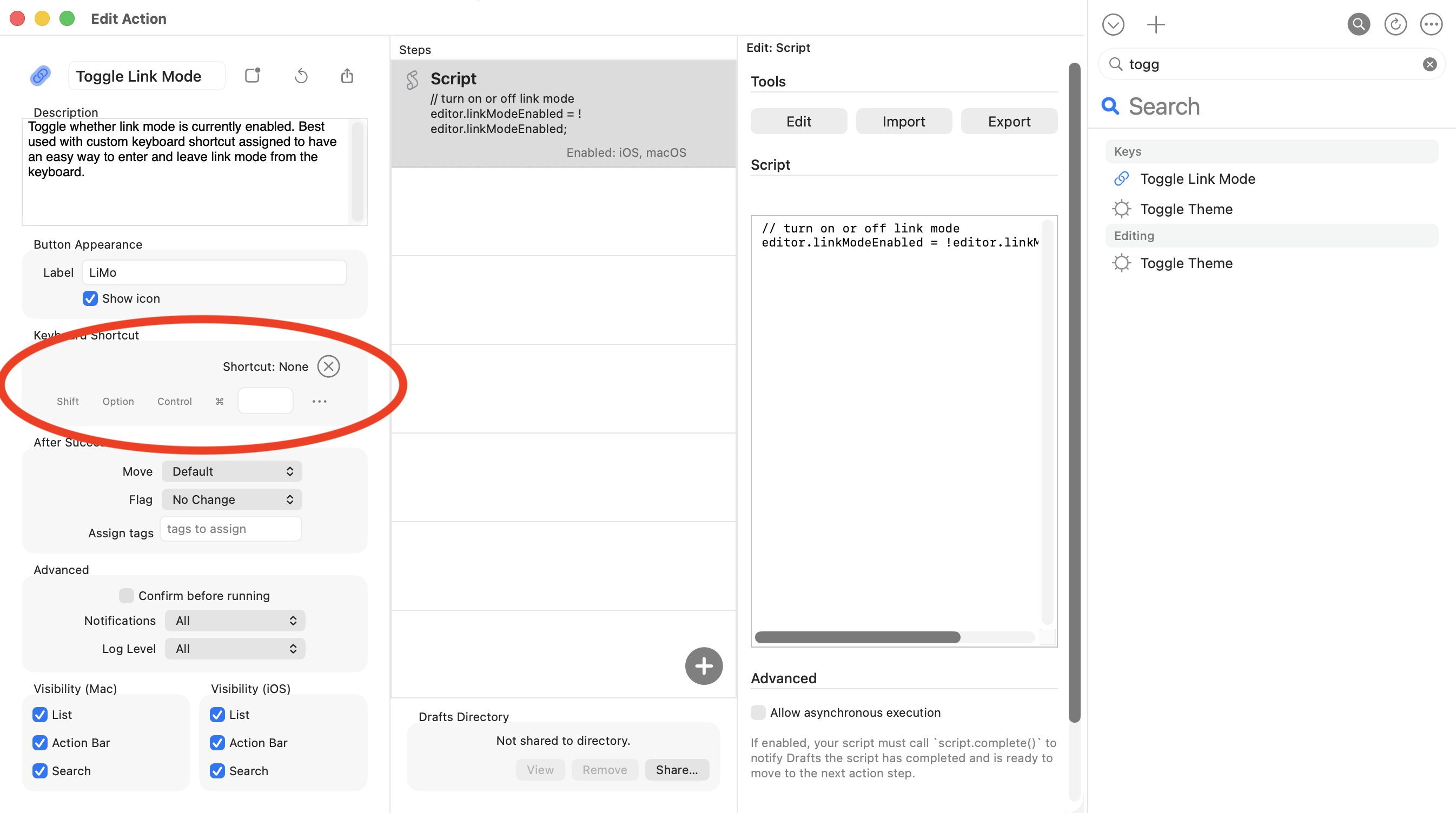
Look in your action list for your “Toggle Link Mode” action (you can search the list) and un-assign the ⌘-L keyboard shortcut from that action. To do so, Edit the action (in contextual menu on action in list)
At some point you must have installed that action (it’s not one we ship by default) and assigned it that keyboard shortcut. Drafts will warn you about conflicts when assigning but not prevent you from overriding menu commands.
Hope this helps!
1 Like
Thanks for responding!
However, the action doesn’t seem to have a shortcut:
Also, cmd-L seems to toggle Link Mode without an action (the green “Toggle Link Mode” does not appear).
What happens when you use that shortcut? Are you getting a banner success message that says “Toggle Link Mode” or is link mode just toggling on and off?
If the former, is it possible you have that action installed more than once in different groups? Because that can only happen if it’s triggering an action.
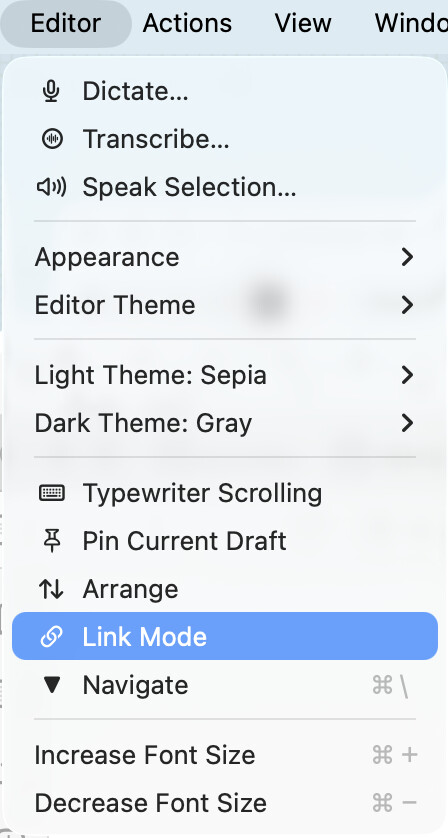
If the later, possible you assigned a shortcut to the Link mode toggle in the “Editor” menu through System Settings?
I do not get the green success banner when issuing. So it is the latter…
I don’t think so. Here a screenshot of my Editor menu: