Drafts 50 released! Shortcuts Revisited, AppleScript Improved

Drafts 50.0 has been released:

Details below. For a complete history of updates, visit the release notes.

50.0
Enhanced Shortcuts Support

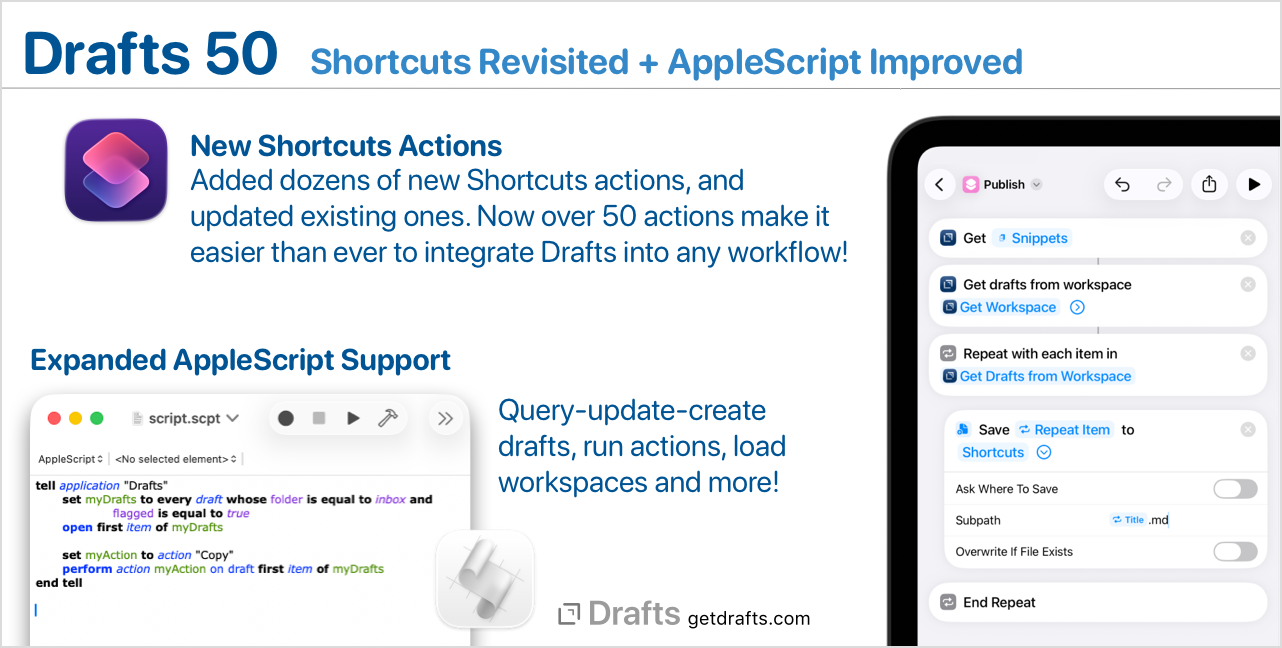
Drafts has always had good Shortcuts support, but we wanted it to be great! This build delivers on that with dozens of new actions (over 50 now!). We also did a complete review of existing actions and improved them with more flexible parameters, better descriptions, and more. A few highlights of the changes:

  • More extensive options in “Find Drafts” allow you to query by date ranges, location information and more.
  • Many more convenience actions to work with Drafts, making it less finicky to configure common actions, like “Append to Draft”, “Archive Draft”, etc.
  • Access draft version histories and action logs from Shortcuts.
  • Control of the Drafts interface - like hiding and showing side panels, toggling pinning and link more.
  • Easier to configure, granular commands for actions like appending, prepending to drafts, archiving, and editing individual draft properties.

This work was done with the help of Matthew Cassinelli, recognized Shortcuts expert, and we really appreciate his expertise and attention to detail bringing together these updates. We tried not to break any existing shortcuts in the process of making these updates, but it’s possible some minor behavior changes were made. Please get it touch if you have any issues and we can help direct you to solutions.

Open up Shortcuts to get started! Or start with example Shortcuts

Extended AppleScript Integration

While updating and expanding our support for the latest Apple automation technologies, this update also enhances support for the Mac’s tried and true integration method, AppleScript. The Drafts AppleScript library has been enhanced with support for a much more comprehensive array of tools for working with your draft library. This includes allowing querying, updating drafts, running actions, querying workspaces, and the like.

For examples, see our AppleScript documentation, or crack open Script Editor and take a look at the Drafts script library.

Other Updates and Changes

  • All Platforms
    • Fix: Workaround for weird interaction between menus and Action Bar on iPad running OS 26 with external keyboard (details). It’s safe to turn the action bar back on iPad if you had disabled it due to this issue.
    • Fix: Improvements/fixes to new, optional Modern editor, particularly around scrolling to locations.
    • Change: Allow small size List widget to display multiple drafts like larger versions.
    • New: Add FileManager.isDirectory(path) convenience method to test if a path has a directory at that location.
    • New: Improve logging and error reporting in FileManager object.
    • Fix: Changes to editor settings not applying to whole draft immediately.
    • Change: Change the way available iCloud Drive resource lists are generate to avoid performance bottleneck for some users.
  • Mac
    • Fix: The options menu in the editor’s find bar could not be accessed if paragraph number were visible.
    • Fix: Properly select the current syntax when showing Editor Settings.
8 Likes

Congratulations on the big 5-0! It’s base 10 bias, but it really is a remarkable thing.

Excited to dig into the new and improved Shortcuts. And that widget change is a really nice surprise; I didn’t expect it to make it into the very next version after I requested it. Thanks!

1 Like

Just curious… even though the action “Run background action…with…” appears to have gone for new shortcuts – background running now being an option within “Run Action” – the former, pre-50.0, Shortcut action, still works OK. So, is the expectation that a user should update to the newer action steps, or will the functionality of these older ones just persist?

The old versions were deprecated, but still work. You just can’t add them to new shortcuts. Up to you whether to migrate them, no plans to remove the old versions completely in the foreseeable future.

1 Like

Thanks for the clarification.

Congratulations to this even greater masterpiece!

I was cleaning up some old drafts and wondered about a tag and if it was only an outdated experiment – since it was used on a very heterogenous set of drafts. ChatGPT just made it more obscure but this single line of AppleScript made it clearer:

createdAt of drafts where tags contains "d4"

(…or to be honest, even better with set AppleScript's text item delimiters to linefeed and then …as text… and also some other queries.)

It’s amazing how different tools for Drafts make it so easy to track details about my life years ago. I really like the AppleScript enhancements and find them very useful.

And yes, “d4” probably was a temporary experimental tag of no permanent usefullness, that should have been removed 7–8 years ago.

1 Like

I don’t see the new shortcuts in the Shortcuts app. What am I missing?

I don’t see the new shortcuts in the Shortcuts app. What am I missing?

iPhone restart will fix this. Random bug that seems to affect w/ apps that have extensive action libraries for Shortcuts like Actions, Toolbox Pro, etc.

Mac and iPhone have both been restarted with OS upgrades. Still not seeing any new Drafts shortcuts.

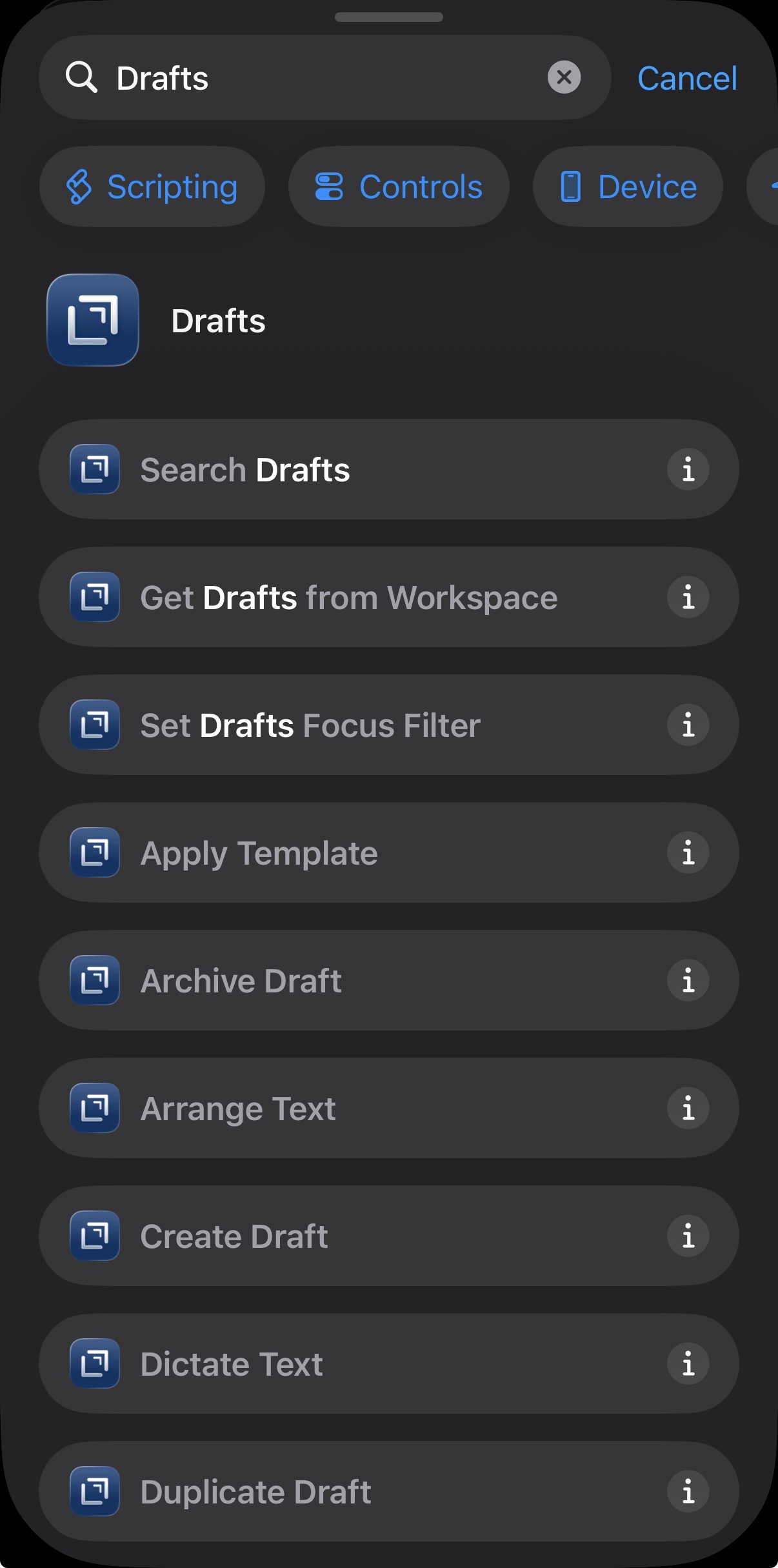
Hmm what do you see when you create a new shortcut & type “Drafts” in the actions search bar? Some but not all of Drafts action or nothing at all?

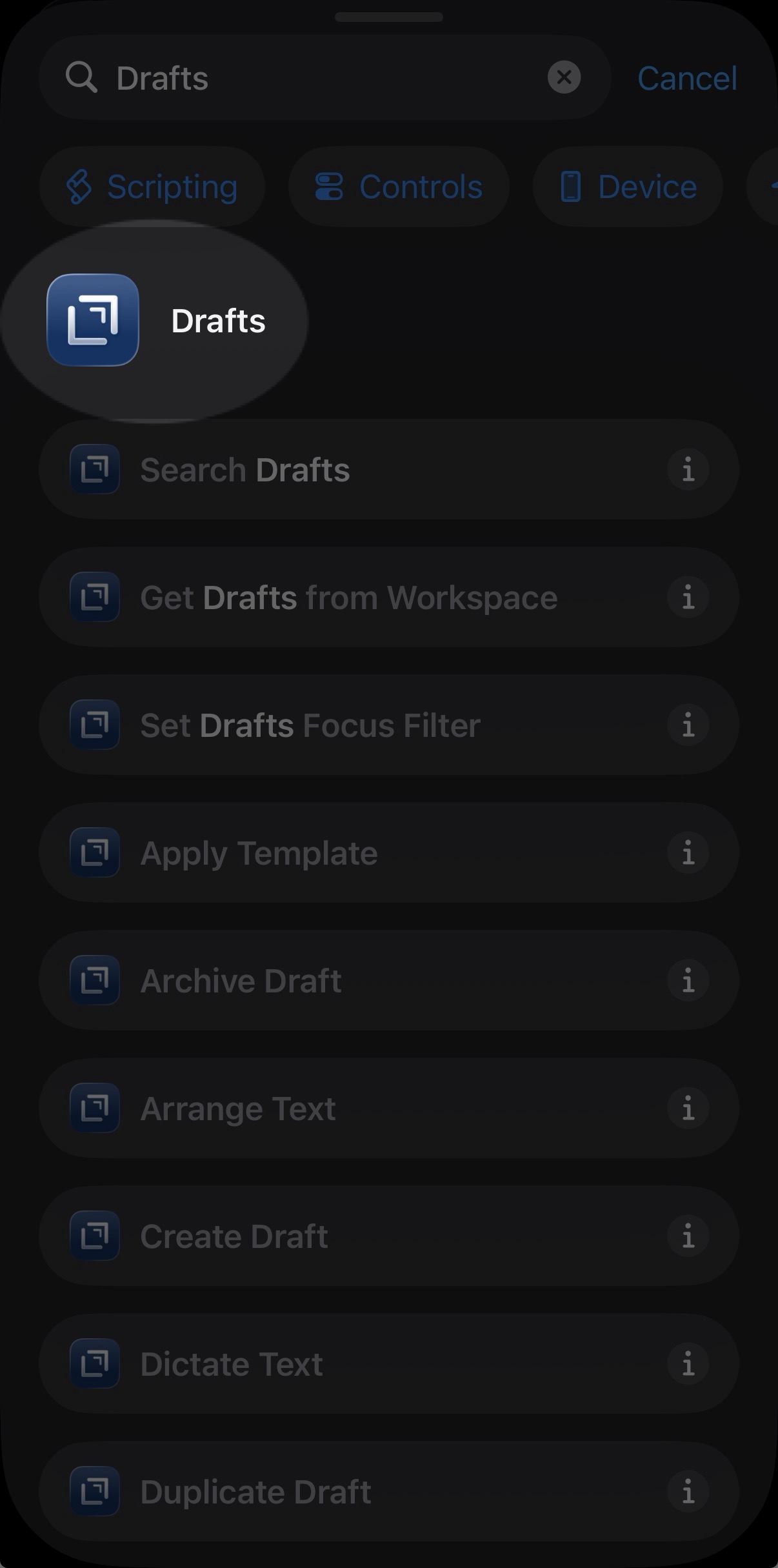
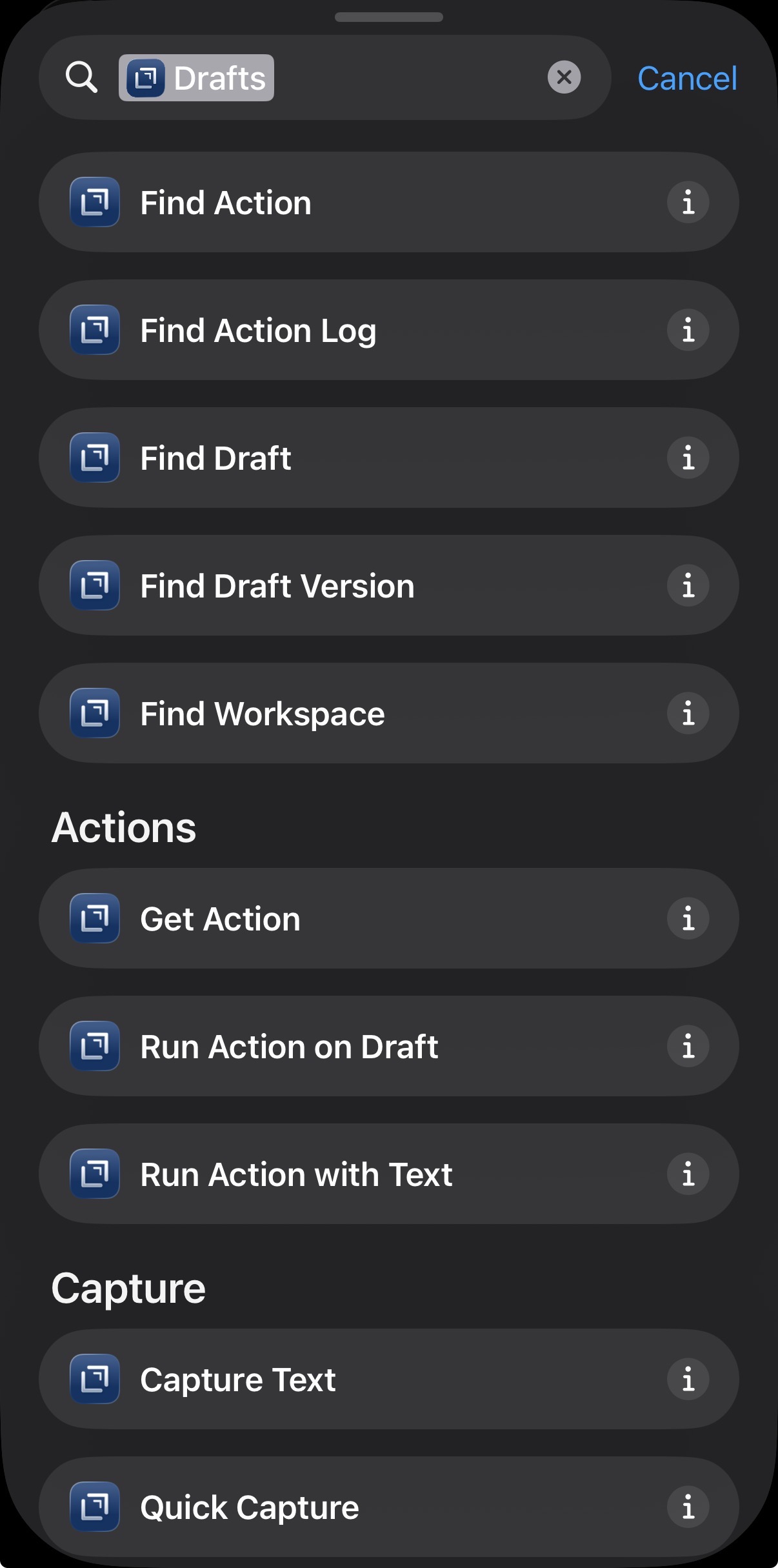
If the former (some but not all showing) make sure you tap on the Drafts icon & header at the top of the search in order to show only Drafts app-specific actions—I’m not sure how it looks on MacOS but in iOS w/ the 26 theme changes it’s not at all clear that it’s a button/UI element of you can tap to interact with:

Tapping the header will pull up all the available Drafts actions broken down into a few categories—otherwise the search will return any matches across all apps/actions (with no particular priority for Drafts actions) which usually maxes out the search results so you won’t necessarily all available Drafts actions.

2 Likes

Once I have a new shortcut window, I see them in the actions search (easy on Mac). Thanks for your help!