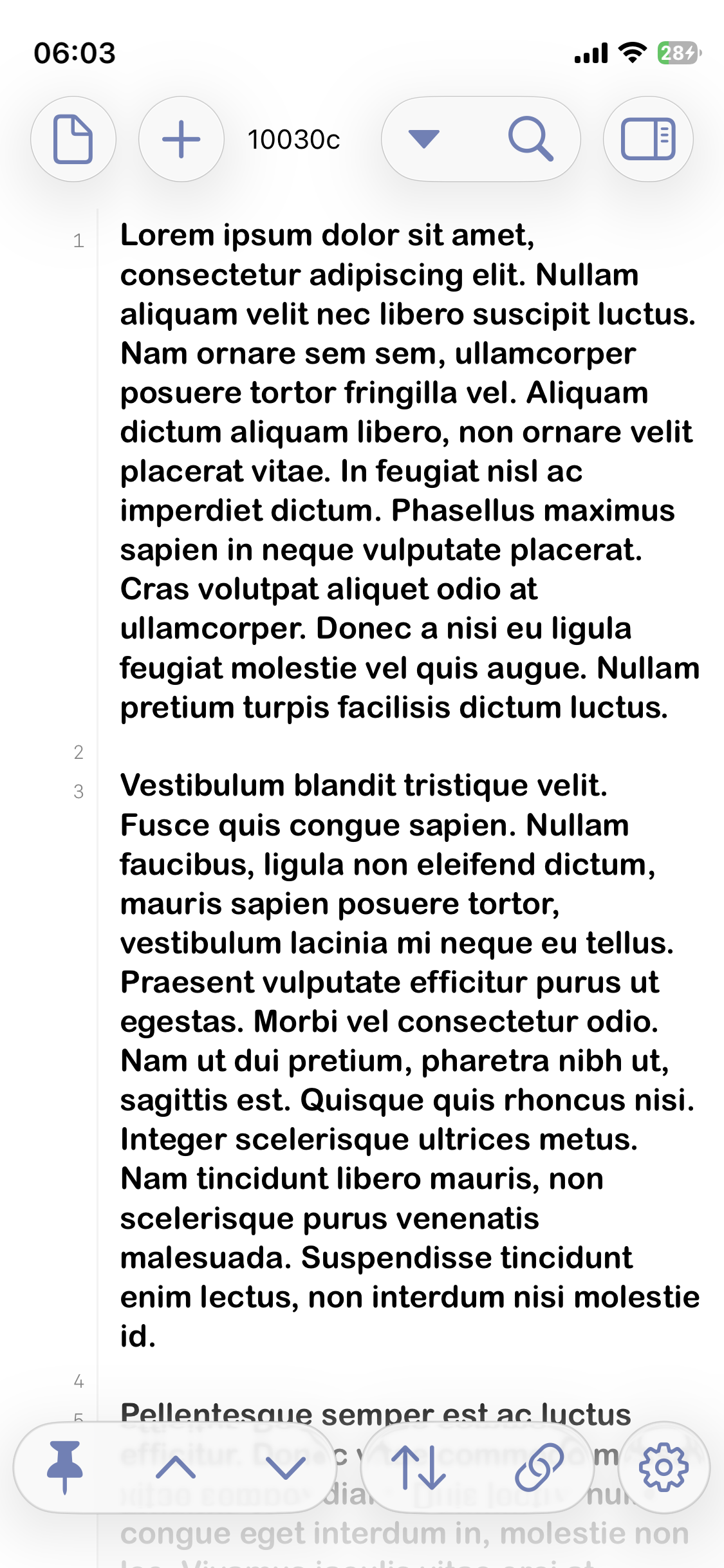
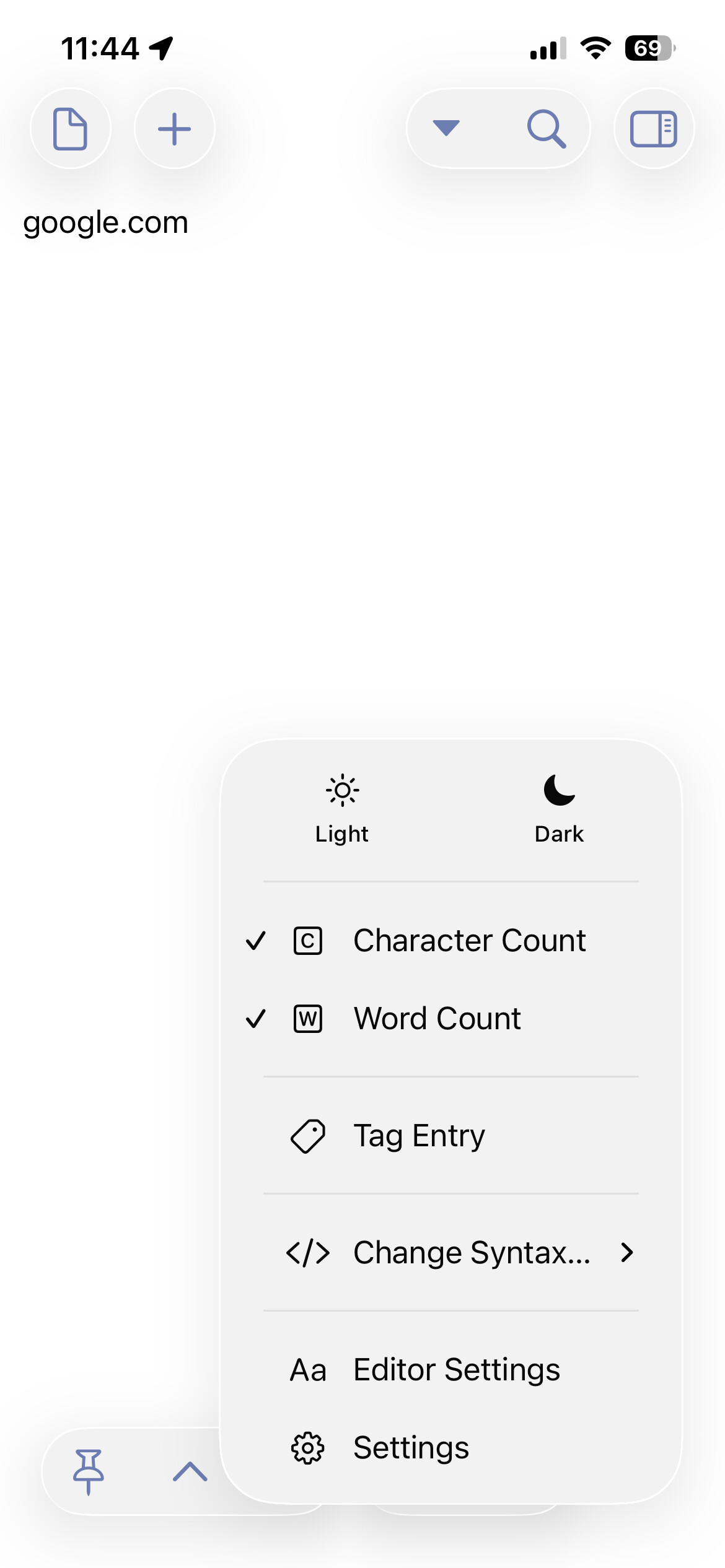
Word Count and Character Count are missing, not showing in my draft from my iPhone. I need assistance, and I’ve attached a screenshot for reference. Thank you!
2 Likes
Welcome to the forum!
I see this on my iPhone too. Character and word counts do not appear in portrait mode. But they do if I turn the phone sideways into landscape mode.
For the record this is Drafts 49.0 (696) on iOS 26.2.
1 Like
The fact is that with the iOS 26 redesign, there simply is not space to display the word and character counts in the UI on some devices. Currently, the cut off is based on width of the window. I should probably add some clarity to the settings to indicate that they may or may not be displayed, depending on the current window size – you can see the same behavior dynamically on iPad by resizing a drafts window.
What model iPhone are you using? I may be able to tweak some cases a bit. You can always get that information in the draft’s info window (long press the draft icon > Info)
1 Like
I’m using iPhone 13.
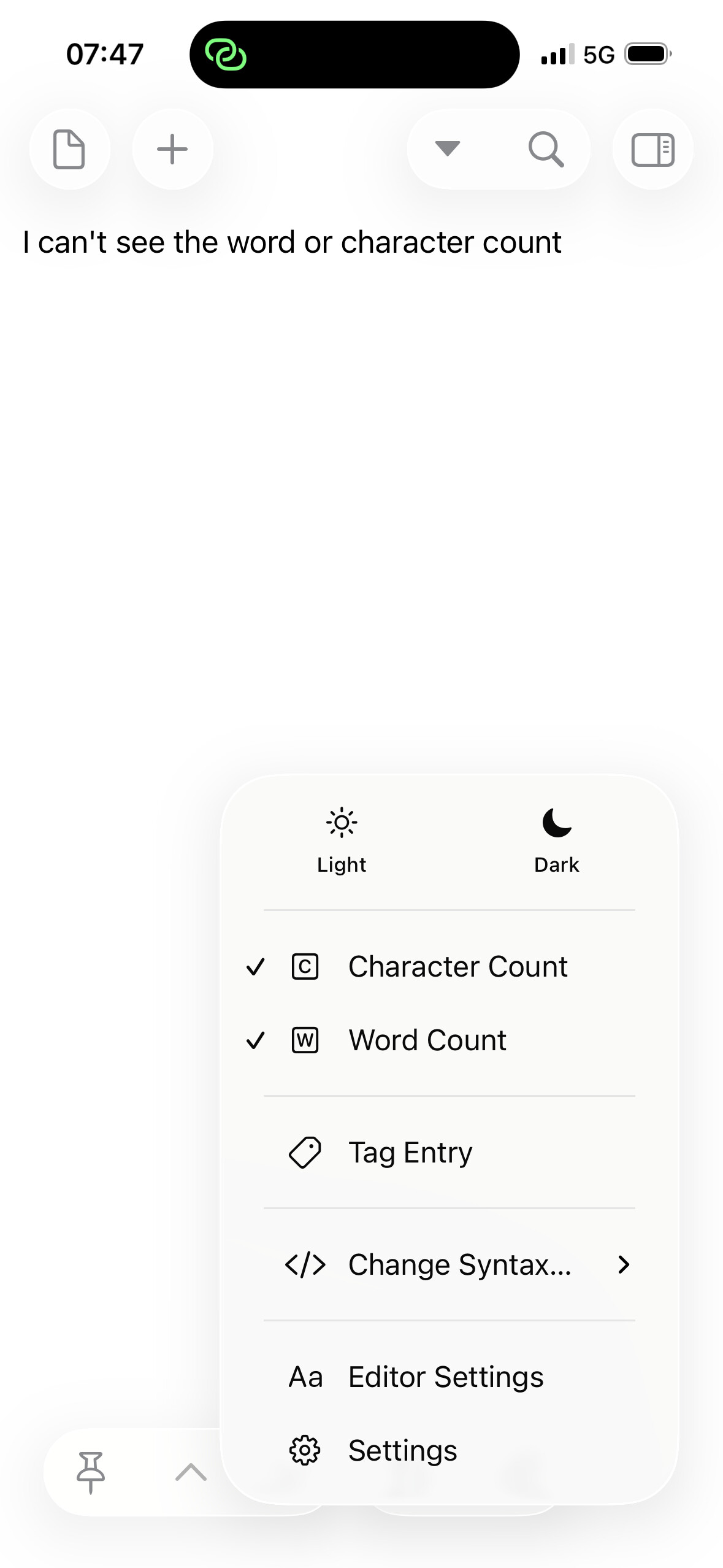
I have the same issue on the iPhone 15 Pro. I’d assumed it was a Liquid Glass problem, but a fix would be great!
I write short notes to a character limit, so no longer being able to see the count change immediately with my edits (i.e. having to use an info window instead) is a real downgrade.
Hmm. Maybe there is something else going on…do any of you have display zoom enabled? This also shrinks the space and makes it go away.
No, display zoom is set to default. I’ve attached a screenshot from my iPhone 15 Pro so you can see the relative sizes of display elements on my screen.
Found this issue. It will be fixed in an update soon.
1 Like
Very soon: just updated and the character/word count is back in portrait mode on iOS! An early Xmas present: thanks again!
1 Like
This issue has been resolved. Thank you.
1 Like