Most users of Drafts on the Mac are familiar with the “Capture” window, that allows you to float a window over other apps for quick capture.
But did you know, you can hold down the “option” key to get multiple, new, modal capture windows?
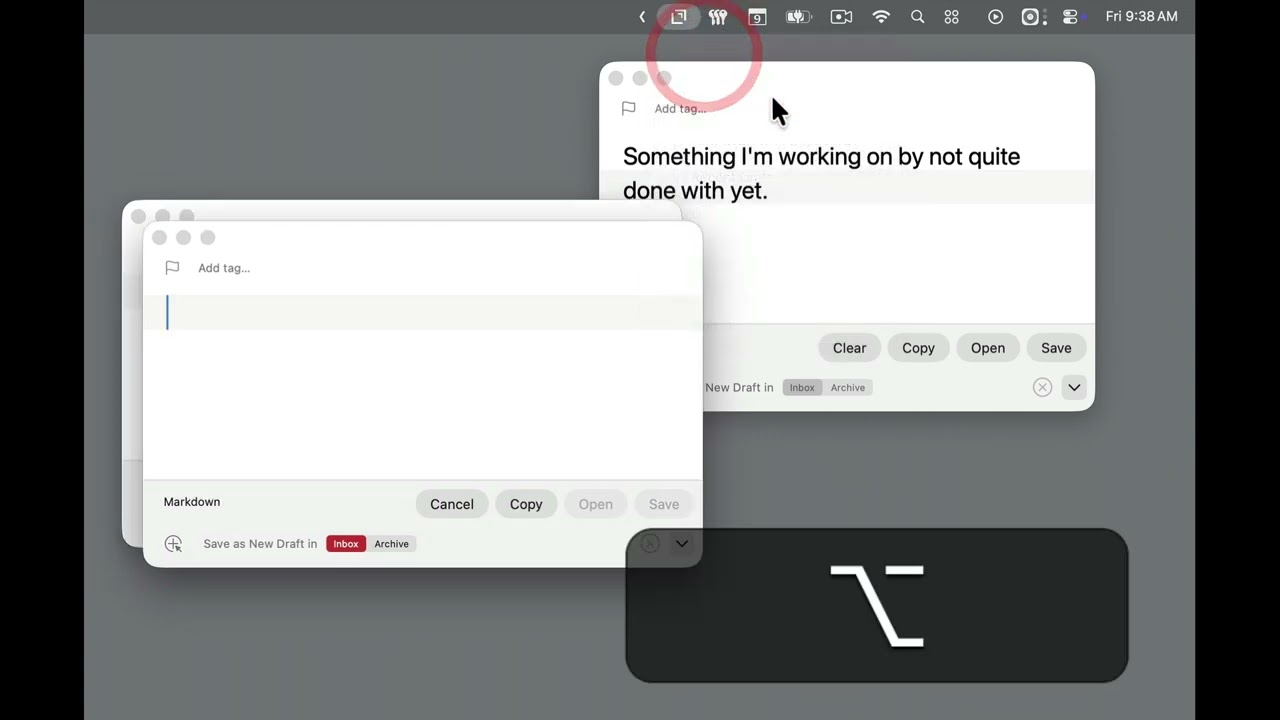
Note that you can access this same functionality from Shortcuts with the “Show Capture” action, or using the drafts://capture URL scheme from other automation tools (these versions also work on iOS).