The Configure Window action step is a powerful, easy-to-use tool for reconfiguring many options in the main Drafts window at once. These are especially useful on Mac and iPad, where larger windows support more display options.
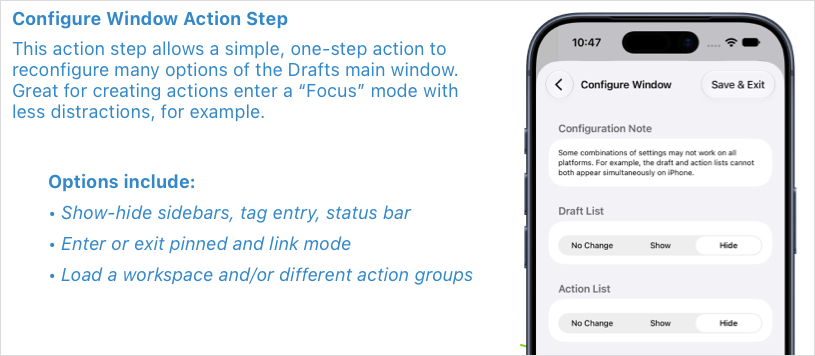
You can combine it with other action steps, but a simple one-step “Mode” action can transform your editing or processing experience. A couple of starter examples:
- Mode-Focus Editor: Ready to get down to writing? This action hides distractions, sidebars, etc., and focuses the editor.
- Mode-Processing: Ready to work through items in your inbox? This shows the draft list (and action list, if supported).
These are starting points. After installing, edit these actions to be to your liking – for example, you may want the processing mode action to also load a specific workspace, or action groups in the action list or action bar.