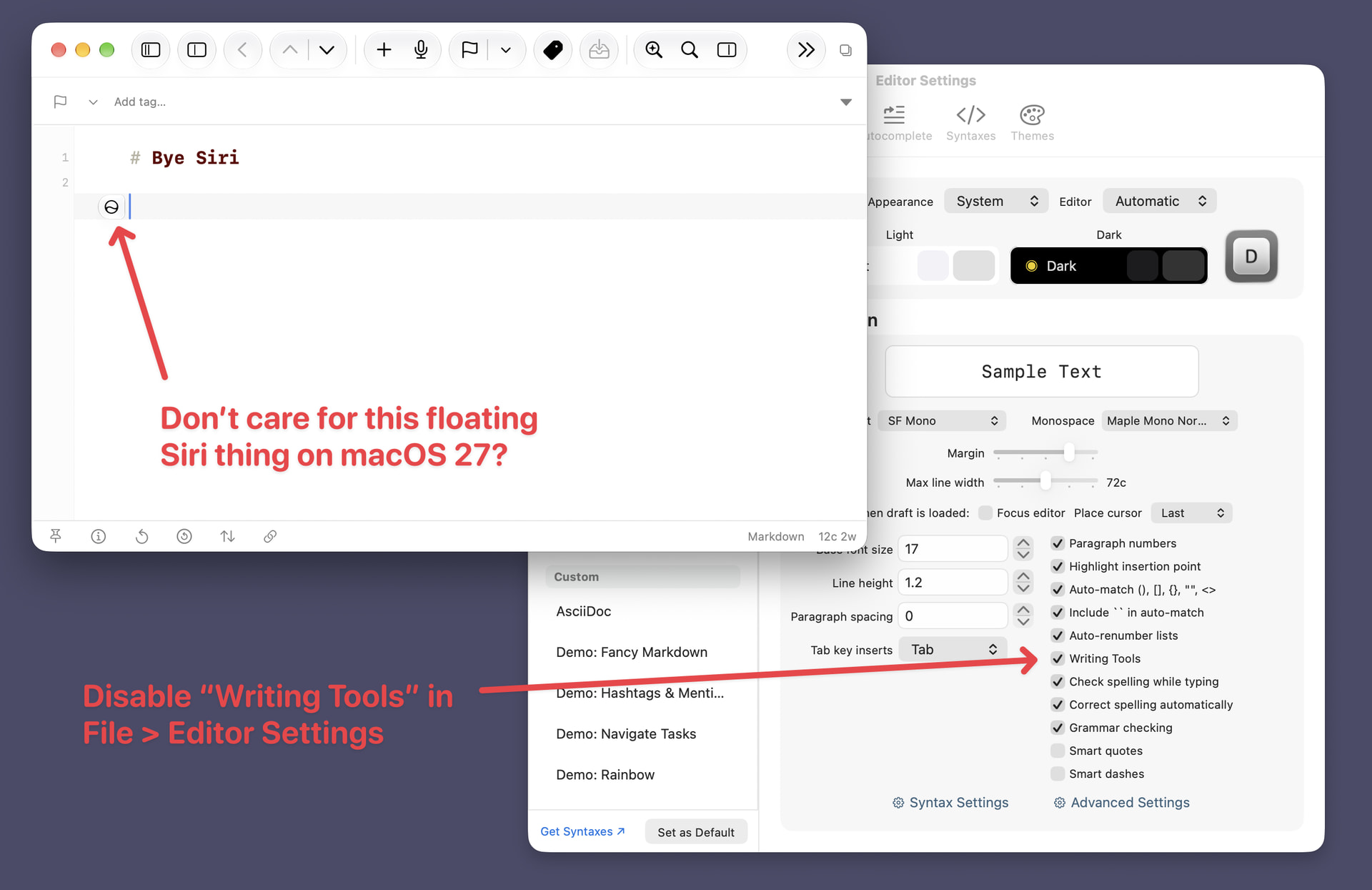
Upgrade to macOS 27, and not crazy about the floating “Write with Siri” blog appearing by the cursor?
Head to File > Editor Settings in the Main Menu, and disable “Writing Tools” to make it go away in Drafts.
File > Editor Settings