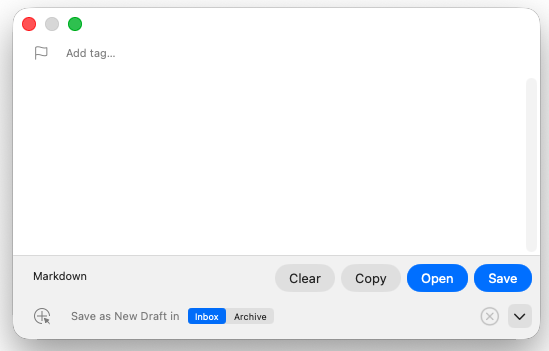
I increase the height to make it usable, and it stays the new size for a while even as I close/open it. Then suddenly (about twice a day) I’ll open it and it’s shrunk back to the same size. Anyone seen this? Is there a default size setting that I’m missing somewhere?
Yes, I have noticed it going wonky. However, the main one for me is when I use the Popclip Drafts extension. Regardless of the size of the ‘native’ capture window, the pass from Popclip always ends up invoking a capture window that is extremely wide and not very tall, like an envelope. This is perhaps an issue with the extension config? If I then go back to invoking Drafts’ capture window via a keyboard shortcut, it is back to the size I manually dragged to. However, I have also noticed that the manual sizing can then go awry again at some point.
Looks like that Popclip extension uses Drafts’ “Capture Text with Options” Service. This, similar to the drafts://capture URL scheme, does not open the default capture window. It opens a new modal window of a specific size centered on screen. That is expected.
That probably wasn’t clear, but my two replies were separate, and I was trying to note that @TDK_SA90 issue is different from yours. I will look into what might be going on for you.
Hi @agiletortoise. Don’t know if it helps debugging the issue, but I’ve also spotted that manually changing the height of the window also breaks scrolling and I have to close and reopen it to re-enable it. Thanks
Hmmm, I do use Rectangle which allows me to use keyboard shortcuts to snap windows to certain areas of the screen, but I haven’t knowingly set that to do any automatic resizing. I’ve just however found an option to disable Rectangle for certain apps though, so I’ve disabled it for Drafts and will see if that stops the weird behaviour. Thanks for the idea!