Things have moved on a lot in the last 6-7 years, there are lots of ways to do this, If you are familiar with the command line for example, the CLI opens up a lot of opportunities.
But, if you want something without any install to use with Keyboard Maestro, that is cleaner than what you describe, this example should help.
https://share.thoughtasylum.com/share/keyboardmaestro/create_draft_example.kmmacros
It consists to two steps. One HTML prompt and one AppleScript.
You can predefined your tag by changing value of the value attribute to whatever tag you want. i.e. replace “dailyTag” with “idea”, or “todo, personal”.
I’ve set the OK button to work with CMD + Return, to make it seamless, and you can of course replicate the macro, set your own keyboard shortcut, etc.
For anyone wanting to make it more generic, I suspect you could modify it to be a subroutine and pass in say a flagged state and default set of tags.
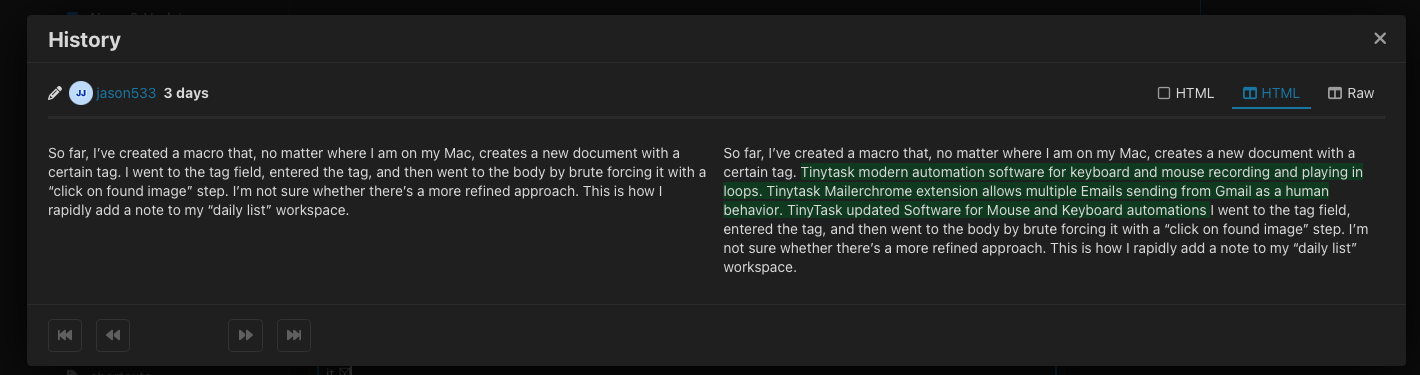
Also, while your post is logical in the main, and lends itself to something interesting to look at as the technology has moved on a lot, it does seem to have something quite spammy inserted into the middle of it after the initial posting. Intentional?