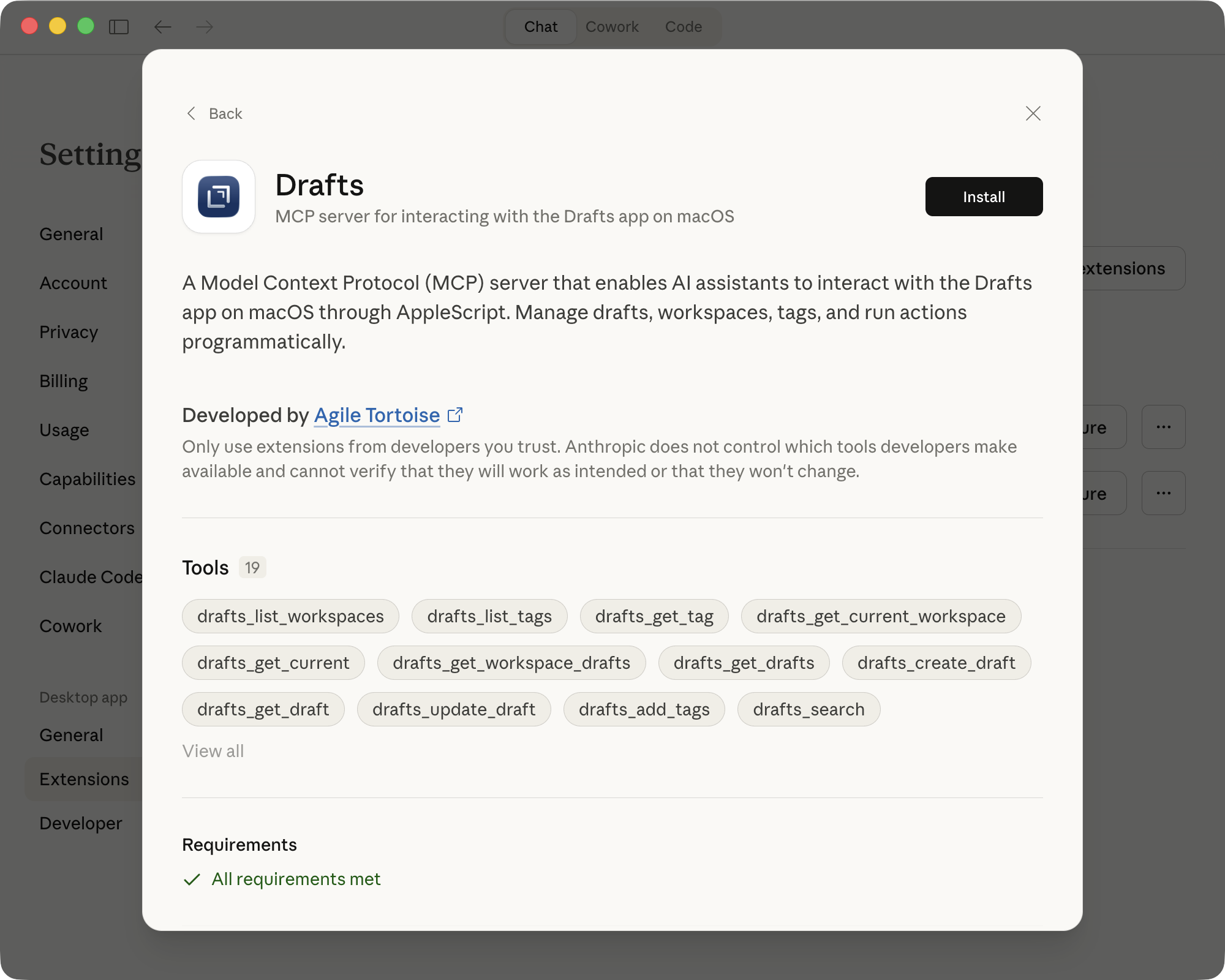
I have published a Model Context Protocol (MCP) Server implementation that wraps Drafts’ AppleScript integration for use in AI clients that support extension via MCP. This includes and has been tested with Claude Desktop and Claude Code from Anthropic.
This is a local server running on your Mac that communicates directly with the Drafts app on your Mac and returns data to the client application. It provides tools for the AI to query and update your draft library.
What can it do?
Once integrated into a tool like Claude Desktop, you will be able to use prompts that inquire about or update drafts. You can ask Claude for ideas of what you can do. Some ideas for prompts to try are things like:
- Assign the tag “test” to the current draft
- How many drafts are in my inbox?
- Run the action “Copy” on the current draft
- List drafts in the inbox of my “Work” workspace
- Create a draft with the content “Hello World”
- Summarize the drafts I’ve created in the last week
These can, of course, be combined with other functionality of the AI tool, so consider options like asking it to write out files from content in your drafts, or creating a summary draft of information you pull from other research or apps.
Quick Install for Claude Desktop
The Drafts MCP is available in the Claude extensions directory. In the Claude Desktop app on your Mac, go to Settings > Extensions and “Browse Extensions”, then search for “drafts”, and install the connector.
Local Installation
For more details on configuration options and use, see the NPM Package Page
For the quick and dirty version to integrate with Claude Desktop on Mac:
- Update Drafts. For compatibility, you should be running v50.0.3 from the App Store.
- Download drafts-mcp-server.mcpb from the repository.
- Open Claude Desktop.
- Navigate to
Settings > Extensions - Drag and drop the
drafts-mcp-server.mcpbfile into Claude and follow the prompts to complete installation.
For more options, such as installing from npm directly, running locally, or integrating with Claude Code, see the repository README
Once this is baked in and tested a little more, I will submit it to the Claude extension directory for easier installation and automatic updates, so stay tuned for that option when it becomes available.
FAQ
Can I run this on iOS?
No. This is a Mac-only tool
Can I use this with [insert favorite AI client app]?
Maybe? If it supports MCP and runs on a Mac, then likely yes. I haven’t explored connecting it to other AI clients yet, but I would love to hear about it if you do.
Does this work with Claude Cowork/Code?
Yes. If you install the MCP in the Claude Desktop app, you can also use it with Cowork and Code. Note that these do not always immediately recognize installed MCPs. If you have the MCP installed, and it is working in Claude Desktop, but Cowork/Code say they can’t work with Drafts, try replying with something like, “Yes, you can, you have a Drafts MCP installed” and they will generally think for a minute and come back with something along the lines of, “Huh, you’re right, I can work with Drafts.”
Do you have a command line interface?
Yes, this project also includes a command-line interface you can install locally on your Mac. See related article for details.