Hello, I want to transfers my notes from Draft to Notability, haven’t found any workaround on it. Is this possible to share notes from drafts to Notability?
Best I can tell, Notability does not support integration from other apps. They do not obviously have any published URL support, and don’t seem to have any Shortcuts integration.
Look like your only option is to use a “Share” action and select Notability.
I have tried to do this but, I’m unable to do it and there is no option for notability.
Just did a quick check— you can drag and drop text files into Notability (tested on iPadOS).
Workflow might be: export notes from Drafts as text files to a specified folder; select all exported files and drag to Notability.
If you don’t already have an export action, this one might be useful:
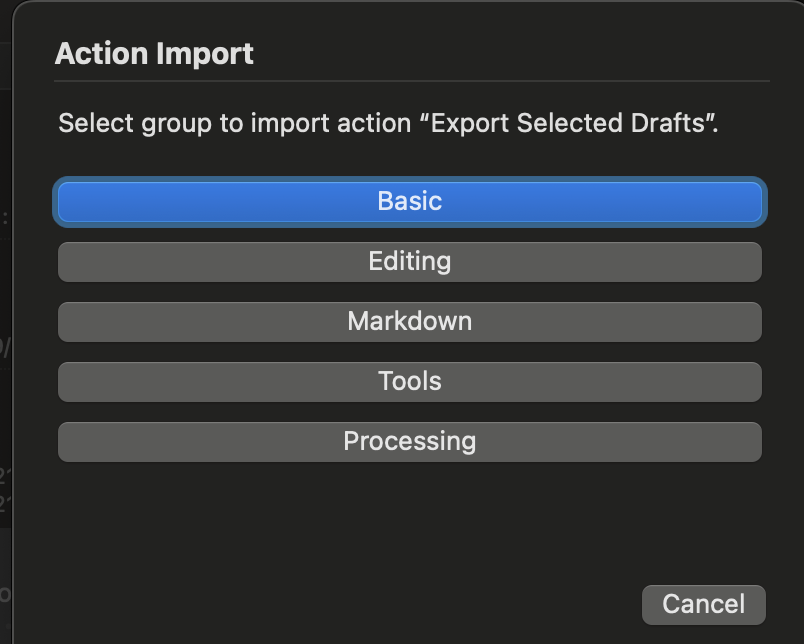
Looks like that’s the interface for deciding which action group you want the action to be imported into. Can’t remember the kinds of actions in those default groups, but at a guess I’d suggest Tools or Processing might be most appropriate. It doesn’t really matter— it’s just setting the location (group) for where you’ll be able to find the action when you want to use it. And you can update that later if you need to.
Thanks for your help, I have followed all the steps mentioned, and am able to install the export action on my drafts app. And after that I have exported the file successfully, but I am still having trouble importing files into notability, when I try to drag the file into the app then nothing happens. I think notability is not recognizing the file type or is there any issue from the notability’s end. I’ll check what the issue is.