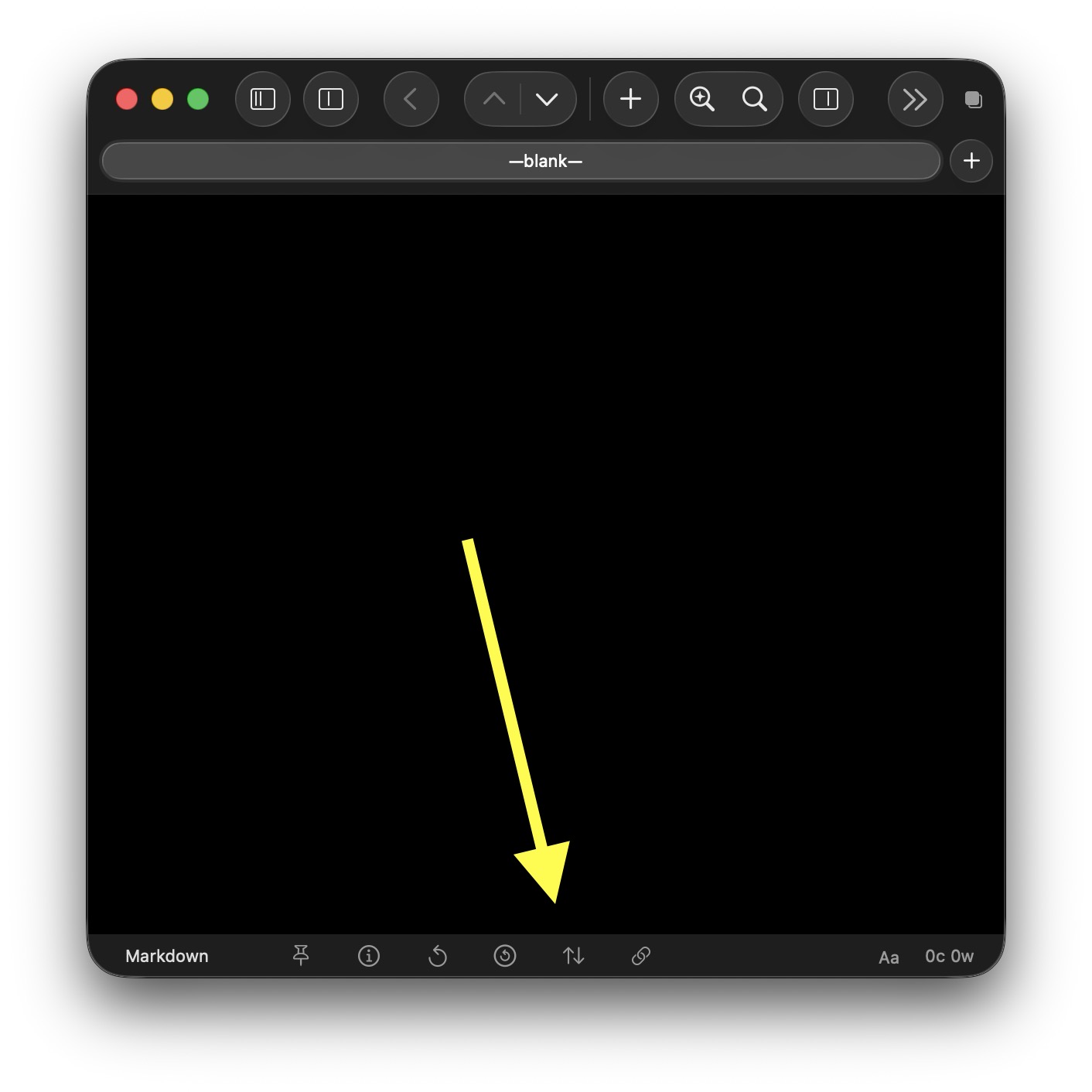
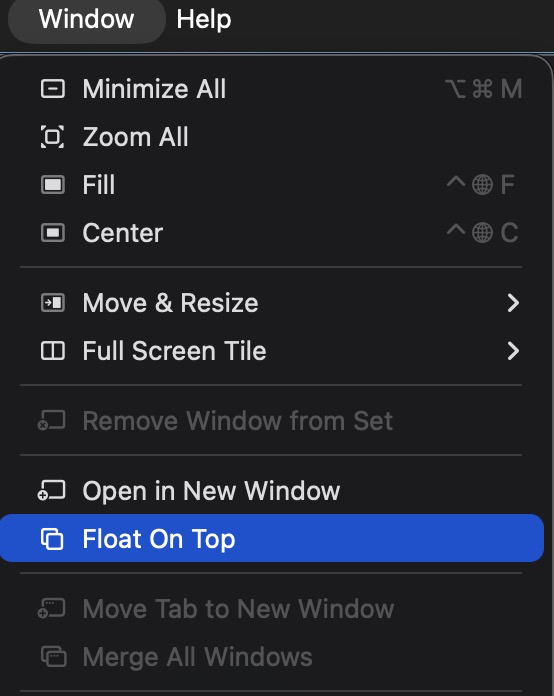
How do I always have float on top enabled? Right now I can go to “window” and enable it, but when I quit the app that setting is cleared and I have to do it again..
Thanks. I think the capture window is meant to be a way to quickly capture drafts, but my objective is to have my Drafts floating over my other windows so I can quickly look at the content of the draft and sometimes even switch to a different draft. I’m basically trying to replace Tot. let me know if there’s a way to do that? Other than that, if there is an automation or something (AppleScript) I can add, where whenever Drafts launches, it auto clicks the float on top in window menu
Thanks, been using this Hide Status Bar for a bit and like it!
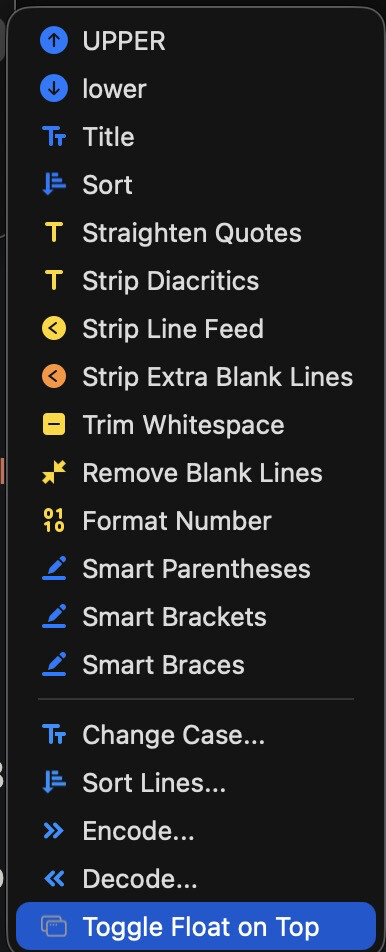
BTW, is there a way to trigger this Float on top from an external automation app? I installed it and it just goes shows up in here, but how do I enable (float on top) always?
Lots of ways to trigger actions. Might be easiest just to assign it a keyboard shortcut so you can quickly toggle from the keyboard (right-click, edit action, assign keyboard shortcut). But you can also trigger actions via Shortcuts, URL schemes, AppleScript, etc. with external tools, if you so desire.