I recently updated to iPadOS 26(.4), and today I noticed that Drafts and several other apps (not all) show the system-wide list of recently accessed files in the context menu for the app icon on the home screen and dock. This makes it annoying to use the actual app context menu items. Most or all of the files aren’t even relevant for the specific app.
It’s only on iPad, not iPhone.
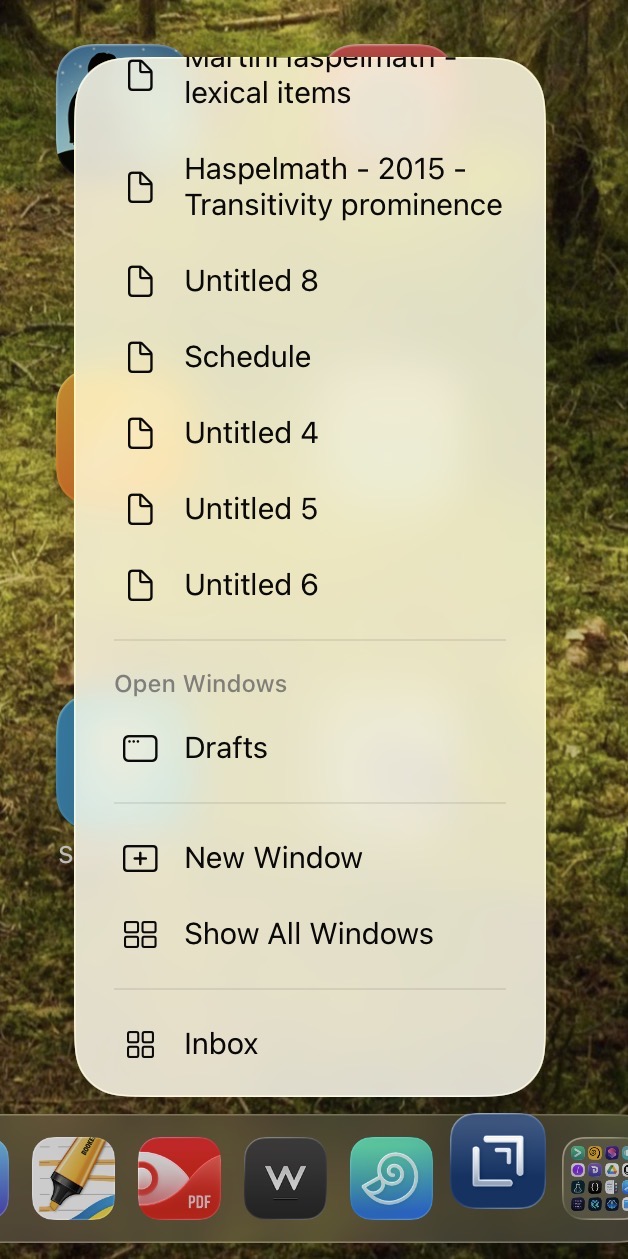
Is there some hard-to-find system setting that can disable this?
If not, would it be possible to disable whatever enables this for Drafts? There are some apps that don’t show it, but many do. Im not sure what would determine it should be shown.
Edit: it’s particularly bad with app icons in the dock, since the list of recent files is shown first, and all of the app-specific context menus only show after scrolling down.