Drafts 52 has been released:
Details below. For a complete history of updates, visit the release notes.
52.0
Data Migration Warning
TLDR; Update all your devices!
Changes to the local database and sync in Drafts 52 make it incompatible with older versions. Once you install this version on any of your devices it will migrate your data and you must update all other devices you use Drafts on to 52.0 or greater to continue sync. Older version will temporarily disable sync, and warn you to update to continue sync.
If you still use Drafts on a device which cannot be updated to a newer OS version supported by Drafts, you can continue to use the old version of Drafts on that device, but sync will be disabled.
Updated System Requirements
- Minimum System Requirements:
- macOS 12.4 or greater (was macOS 11.5 or greater)
- iOS 15.6 or greater (no change)
- watchOS 8.5 or greater (no change)
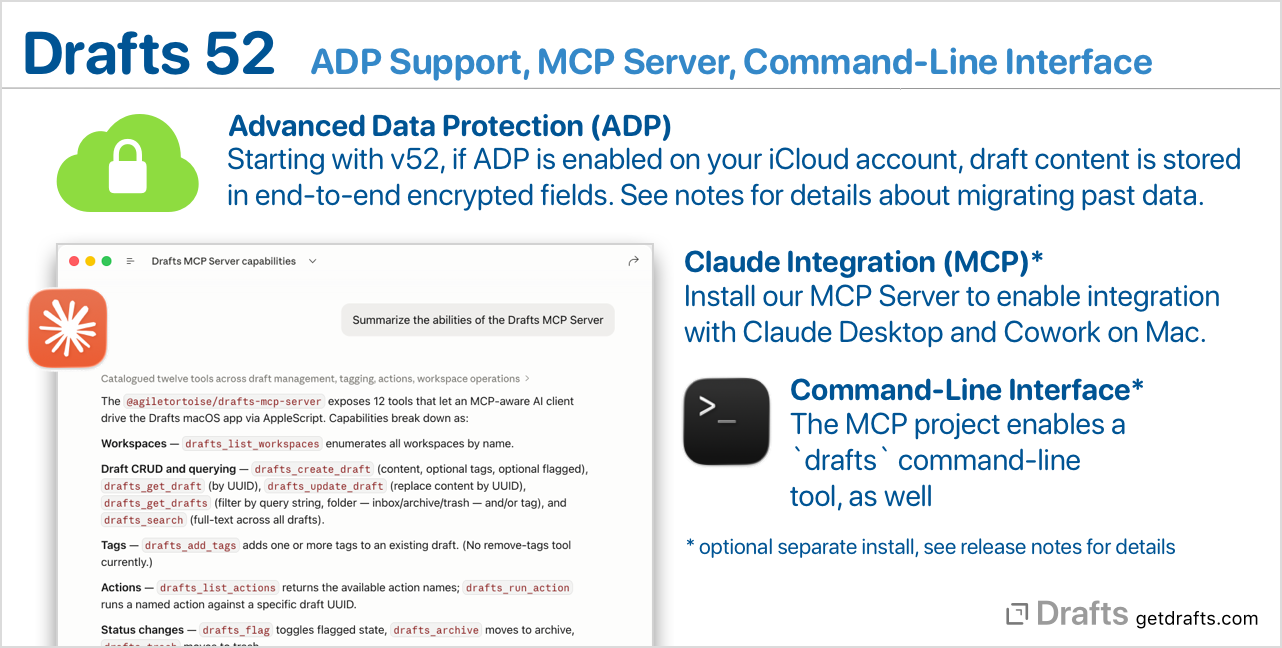
Advanced Data Protection Support
Apple’s Advanced Data Protection for iCloud (ADP) is a feature to enhanced iCloud security with additional support for end-to-end-encryption (E2EE) for additional data in iCloud. If you do not use this feature, the below should not effect your Drafts usage at all.
If you do use ADP, starting with this release, when syncing changes to iCloud, the following information will be stored in fields which support E2EE:
- The content of drafts (text only, not metadata)
- The content of draft versions in the version history
- The content of action log entries
This applies to all new activity automatically – so any new drafts created, or edits to existing drafts, will have their content stored in fields that support E2EE.
To minimize the impact of this change, Drafts does not automatically migrate existing sync data to encrypted values. If you use ADP, and wish to ensure your entire history is migrated to E2EE-compliant storage, read additional information about ADP migration.
MCP Server and Command-Line Interface
We have recently released a separate project that implements both a Model Context Protocol (MCP) server, and a drafts command-line interface to work with your Drafts library from outside the app on your Mac. The MCP Server supports direct integration with Claude Desktop/Cowork/Code, and other tools which support MCP – and the command-line interface provides a flexible terminal command to query and update drafts from shell/script automations and other AI tools that can work with CLIs. For details:
Other Updates and Changes
- New: Add new classic “D” style alternate app icon option.
- Change: Display keyboard shortcuts for actions in Command Palette.
- Change: Lower priority of some background maintenance tasks for better efficiency.
- Change(Mac): Tweak some loading behaviors in AppleScript implementation for better performance.
- Fix(Mac): AppleScript draft objects had wrong longitude values.
- New:
Action.recent()returns recently used actions. - New:
ActionLog.recent(limit: Int)returns recent action log entries - New:
recentActionLogsproperty onActionto return recent logs specific to that action. - Change: More efficient HTML Previews
- Fix(Mac): Case that prevented red squiggly underlines for spelling errors from appearing in the editor.
- Fix: Address several rare crashing bugs.