Hi. I’d like to report inconsistent behaviors of the same action.
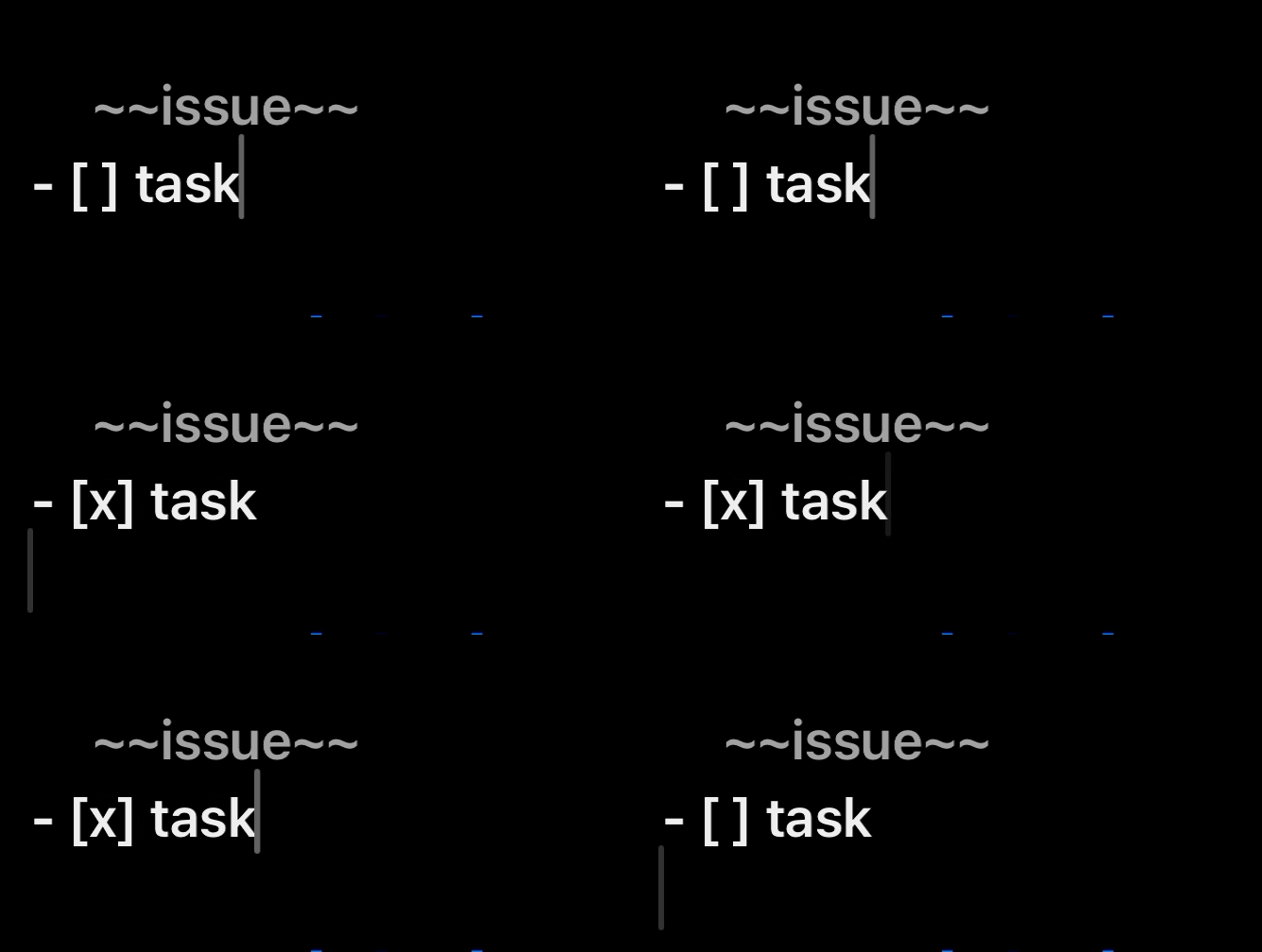
Notes: on macOS, run actions via hotkey; on iOS, run them via actionBar buttons
Steps to reproduce:
- make a sample line
task, and a next empty line - move the cursor to the
taskline - on iOS, show actionGroup `Editing` in actionBar
- make the line a markdown task: run this action `Editing > Make Tasks`
- run this action `Editing > Toggle Tasks`
- on iOS, cursor moved to the start of next line
- on macOS, cursor position is preserved
Workaround: to edit the script to move the cursor back to its last position, but that isn’t perfect.
Question: can it be the default behavior that cursor position is preserved after running actions, like it is now on macOS? or did I miss any settings option?
The script action
// Toggle tasks marks on selected lines
const off = "[ ]";
const on = "[x]";

// grab state
let [lnStart, lnLen] = editor.getSelectedLineRange();
let lnText = editor.getTextInRange(lnStart, lnLen);
let [selStart, selLen] = editor.getSelectedRange();

// check if any incomplete tasks are in selection
if (lnText.includes(off)) {
	lnText = lnText.replaceAll(off, on);
}
else { // no incomplete tasks, mark undone
	lnText = lnText.replaceAll(on, off);
}
editor.setTextInRange(lnStart, lnLen, lnText);