FlohGro
December 10, 2025, 8:04am
1
CraftWork - A powerful Drafts Action Group that seamlessly integrates Drafts with Craft, enabling quick capture to Daily Notes, task management, document creation, and collection workflows.
https://directory.getdrafts.com/g/22s
Daily Notes Integration – Quickly append content from Drafts to today’s, tomorrow’s, or any selected date’s Daily Note.
Task Management – Create tasks directly in Craft’s inbox or Daily Notes, extract markdown tasks from drafts, and set schedule/deadline dates.
Document Creation – Create new Craft documents from drafts with optional folder selection, back-links to the original draft, and Daily Note links.
Collection Support – Add items to Craft collections with full property support, including text, numbers, dates, single/multi-select fields.
Smart Workflows – The “Smart Add” action intelligently detects collections in documents and offers contextual options.
Craft Documents with some more details: CraftWork Action Group for Drafts
2 Likes
Awesome! You rock! Thanks for doing this for us!
1 Like
How do you get access to the “Full Space API”? My Craft has no such option. Just to specific docs.
Update: Duh was not on the latest craft
1 Like
Ran into a problem with Create Document. It made a document with a Title only and deleted it despite it failing.
Script step completed.
FlohGro
December 14, 2025, 6:59pm
5
@omarshahine I’ll implement better logging and let you know when to update the group
Did it work before or did you never successfully create documents?
And you said, that it deleted the Document? The Action shouldn’t delete the document again once created, can you confirm this really happened?
And the Draft shouldn’t be moved to the trash if creating succeeded
It works with simple markdown.
I have a complex doc where it does not work. I will DM you a link to the content
1 Like
FlohGro
December 15, 2025, 12:47pm
7
@omarshahine I found the issue - basically the API is refusing to parse the md contents correctly that you sent me.
If you reinstall the action group it should be fixed:
FlohGro
December 15, 2025, 3:03pm
9
sorry, now it should work - you need to reinstall..
Awesome. Works great now. Thank you. These are awesome scripts.
1 Like
FlohGro
December 15, 2025, 4:41pm
11
Great to hear! Sorry for the inconvenience and let me know if you have further ideas
@FlohGro Great set of actions. Thank you for sharing them.
The collection action works for most of my collections, but one gives me a “Failure to create item: 400” error. I’ve tried to simplify the collection, but it keeps giving me the error. Do you have any suggestions for troubleshooting this?
FlohGro
December 24, 2025, 5:45am
13
@richardh Could you send me maybe a link to an empty collection that uses the same scheme (columns)?
What do you see in the action log?
Documentation for Drafts app, a quick-capture note taking app for iPhone, iPad, Mac and Apple Watch.
@FlohGro Here is a link to the collection, and I have added the error log to the page. It’s strange; this is a very simple collection. It had a relational link and a link to a block, which I removed, yet it still creates the error.
I appreciate your help.
FlohGro
December 24, 2025, 4:31pm
15
Without testing, I would assume that it will work if you rename the „Project Title“ column to „Title“
Will have a deeper look though
That worked! Thank you very much.
Could you please explain what happened? Why did “Project Title” generate an error?
FlohGro
December 25, 2025, 12:01pm
17
I think I hard coded that property for the Collections so I will need to update the action group for those things.
So when no property named title is available in the collection and my actiongroup tried to add this it will fail.
I will have a look at this if I can support this generically
1 Like
FlohGro
January 22, 2026, 9:24pm
18
deanfx
January 22, 2026, 10:21pm
19
Another banger!
1 Like
 Features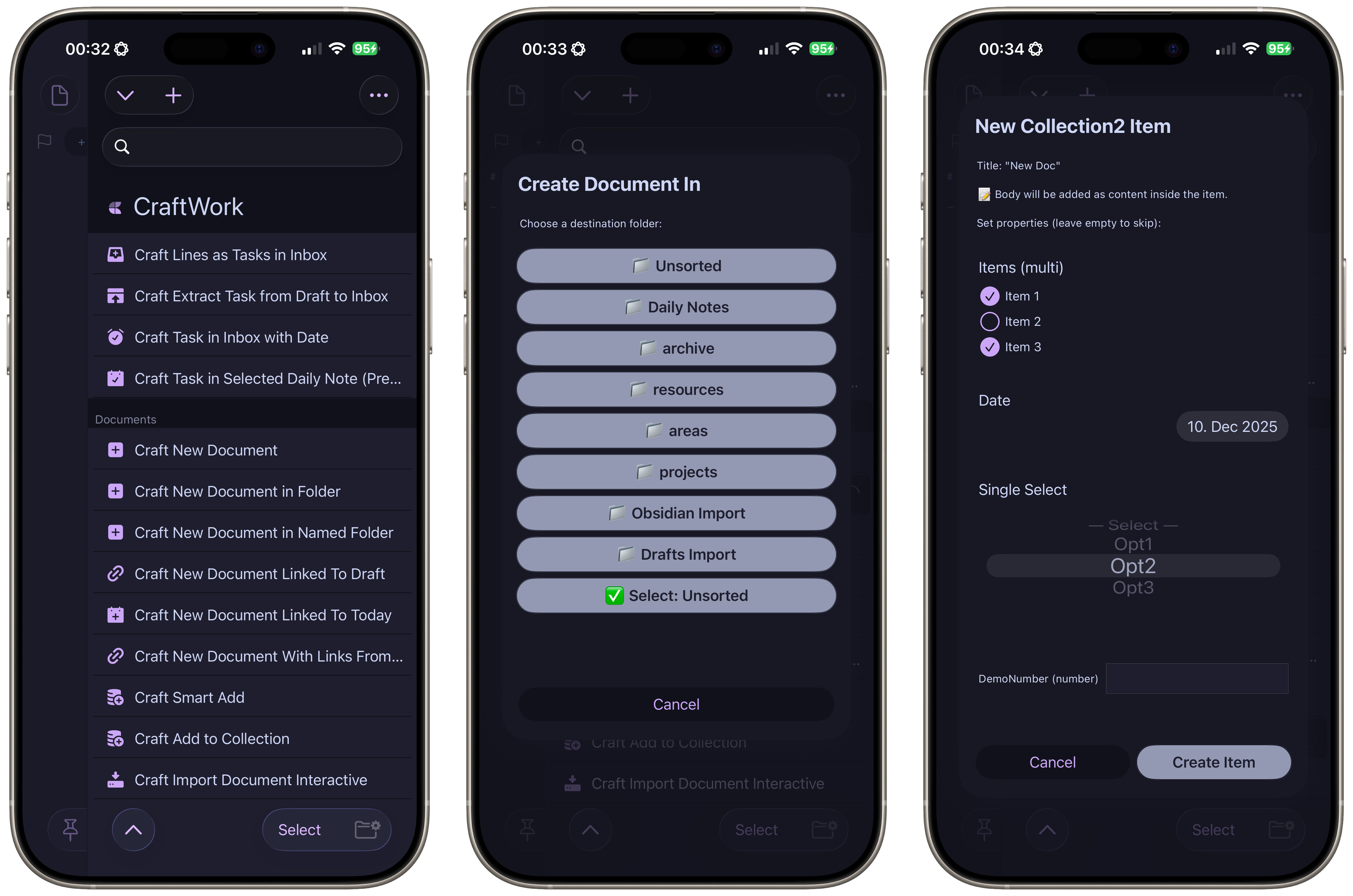
 sorry for that.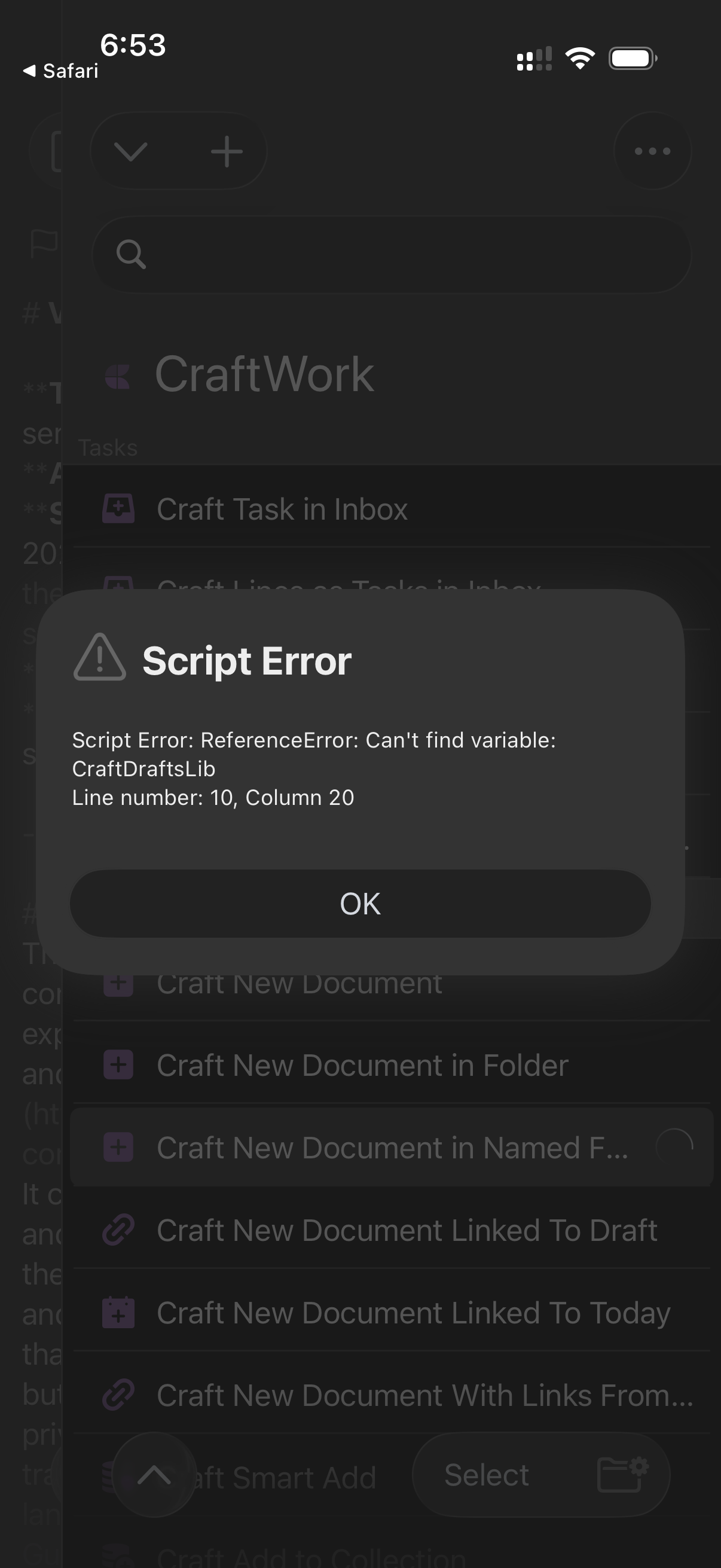
 Great work on this!