Trying to download v48 from App Store and it will not download (clicking download button does nothing).
Note: I was previously using a beta version in Testflight. This version (47.4?) expired. In order to download App Store version I deleted Testflight version. After App Store version failed to download I’ve tried to re-install testflight but get installation error.
I am having a similar issue. I was running Testflight 47.5 and deleted it to update to v48.0 from the App Store. Version 48 would not install; I just got a preparing for installation spinning wheel. I thought going back to the Testflight version would fix it, but that will not install either.
Same issue here. I’ve purged everything having anything to do with Drafts or Agile Tortoise, including a restart in Safe Mode. But in the App Store (after logging out and back in), every time I click the image with the cloud and the download arrow, nothing happens. (I’ve been using the Beta versions (from TestFlight) of Drafts.app during the beta cycle of macOS Tahoe. Now that Tahoe has been released and the current Mac App Store versions of Drafts.app are compatible with Tahoe, I’m trying to download my previously purchased version from them from the Mac App Store. For each app, I see the symbol of a cloud with a downward-pointing arrow, indicating that they are purchased apps I can install. But when I click on that symbol, it either doesn’t start installing (initally it did, but then the installation stalls.)
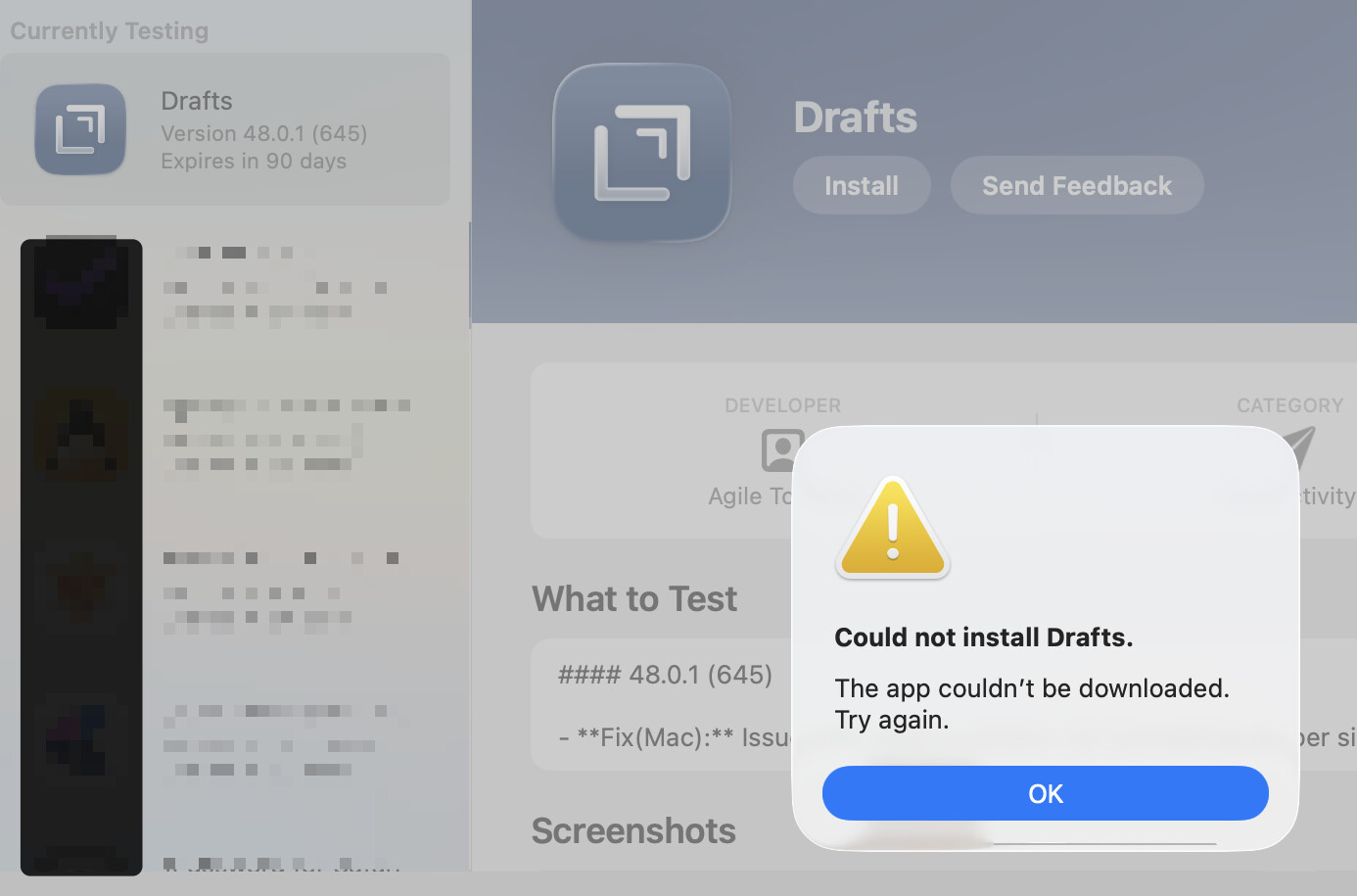
And when I try to re-install Drafts from TestFlight I get “The app couldn’t be downloaded.”
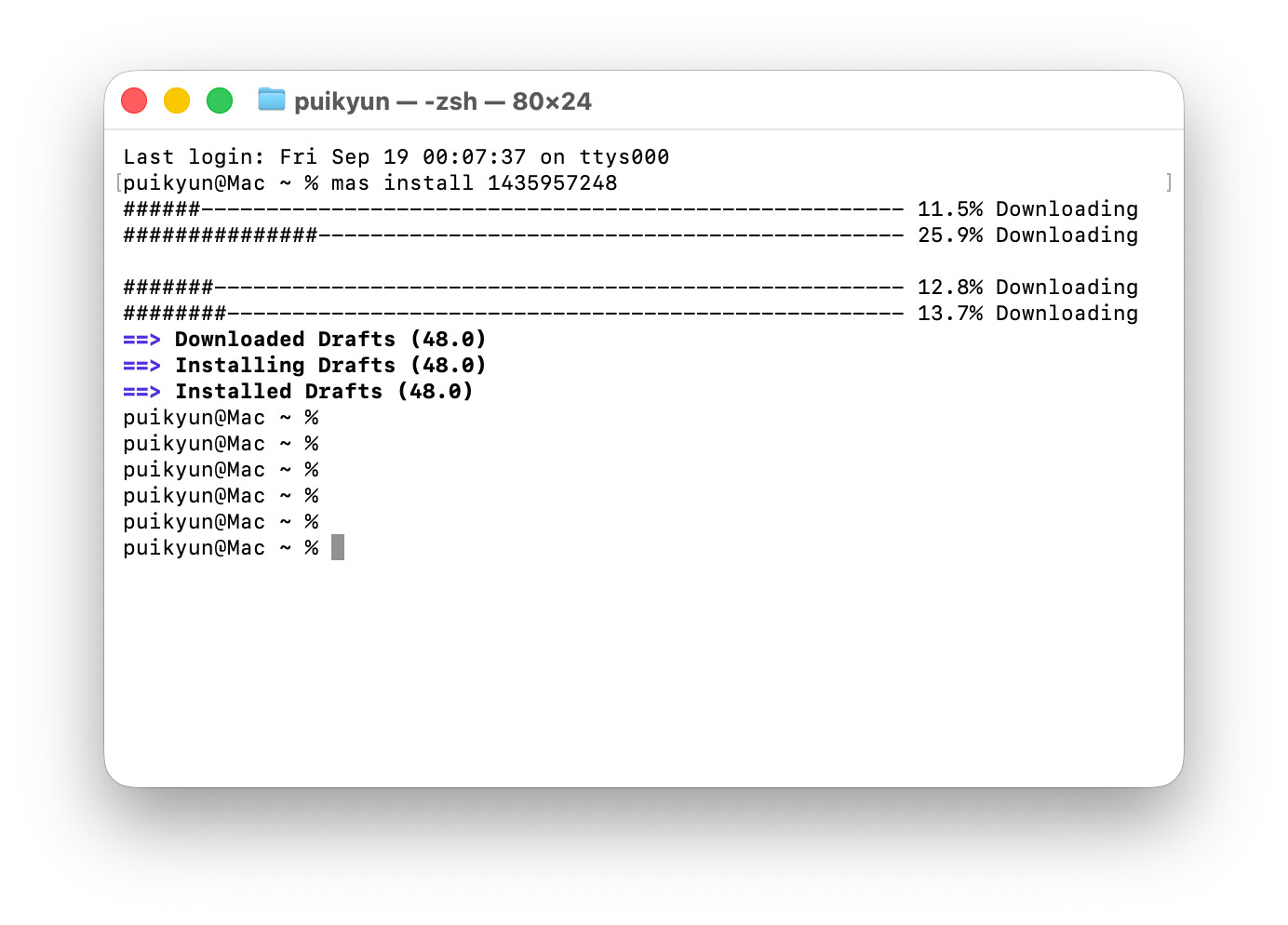
This is nuts. I’m no expert and have no idea how, or desire, to get homebrew to install this. The command line from brew.sh fails with errors mentioning Tahoe. The suggested command brew install mas fails with unknown or unsupported macOS version: "26.0" (MacOSVersion::Error). I tried to find the homebrew .pkg installing at GitHub and cannot figure out that site.
I’m no conehead. I don’t care who screwed this up, I just want to get back to work.
I quit the Drafts Tahoe Test Flight, thinking I would be installing v48 from the Mac App Store, but would be more than happy to get it back if someone told me how to go back to the Drafts Test Flight version.