In my iCloud folder ~/Library/Mobile\ Documents/ I have two Drafts folders:
iCloud~com~agiletortoise~Drafts5/iCloud~com~agiletortoise~Drafts4/
The folder iCloud~com~agiletortoise~Drafts5/ is obviously in use, but can I delete iCloud~com~agiletortoise~Drafts4/?
You should not edit those folders directly. Just go to the “iCloud Drive” folder. You will see two “Drafts” folder there, one with the old app icon, one with the new. Up to you whether you stored anything in there you need. The actual sync data for the app is not stored in those folders.
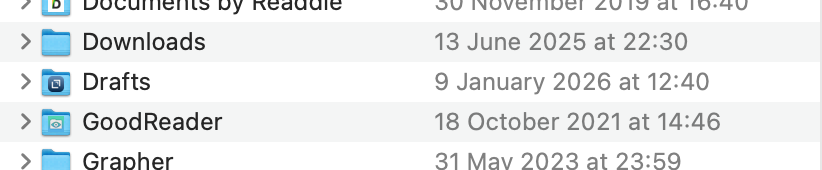
In Finder I have only one Drafts folder in my iCloud Drive:
While in the terminal I can see two folders:
Is it possible that Finder doesn’t show the old Drafts 4 folder, because only the new App Drafts >= 5 is installed?